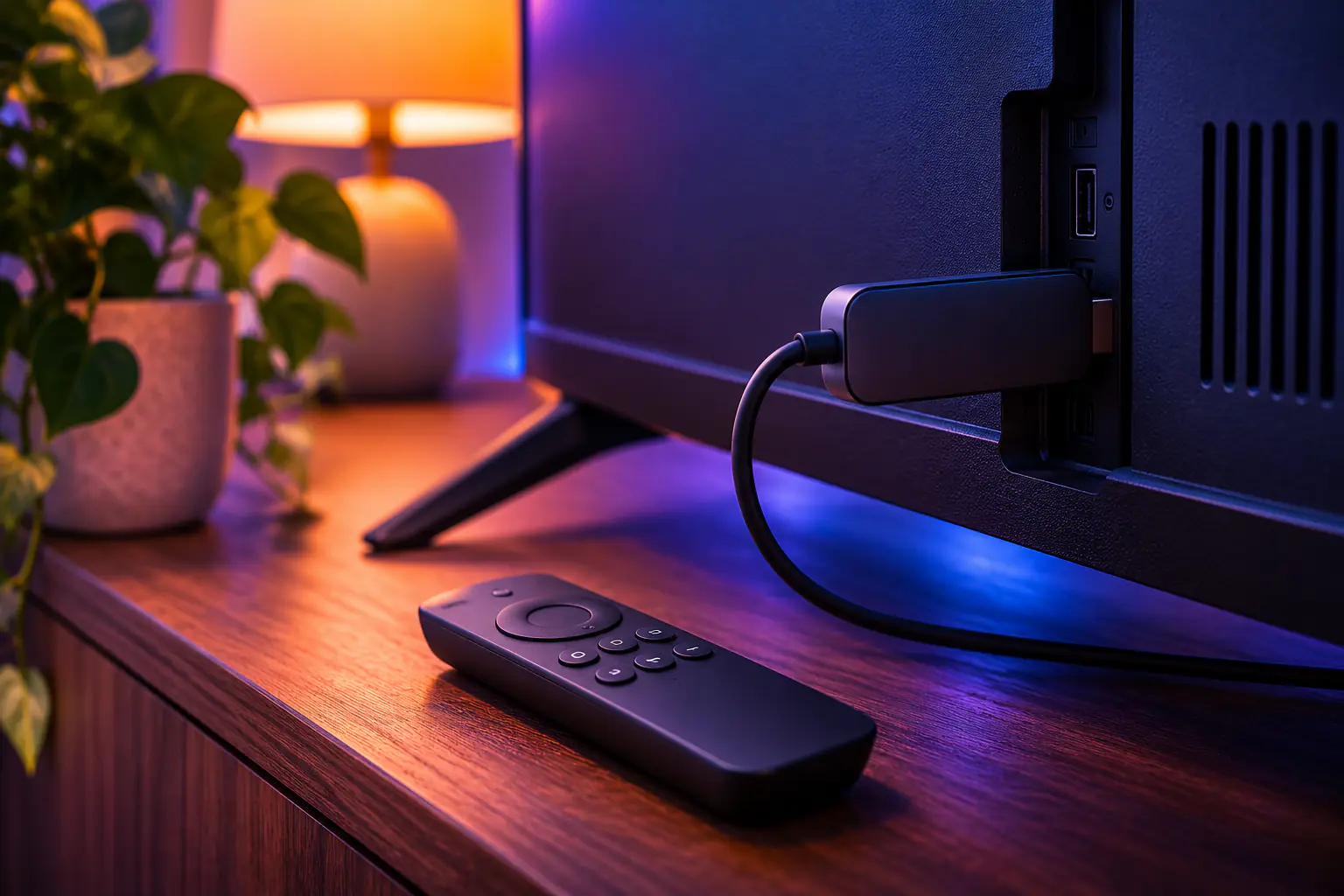
Check your model first
Most Fire TV Sticks and Fire TV Cubes run Fire OS, which is based on Android and can install player apps from outside the Amazon Appstore. Some newer models released from 2025 run Vega OS, which cannot install Android apps at all. On those, you can only use players listed in the Amazon Appstore.
To check, open Settings → My Fire TV → About. If you see Fire OS, follow the steps below.
Step 1: Install Downloader and allow it to install apps
- From the Fire TV home screen, search for Downloader (the orange icon by AFTVnews) and install it.
- Open Settings → My Fire TV → Developer options. If you do not see Developer options, open About, highlight your device name and press the select button seven times.
- Select Install unknown apps and switch Downloader to On.
Allowing unknown apps means Fire TV will install whatever Downloader fetches. Only enter codes or addresses from the app developer, like the ones below, and switch the setting off again if you no longer need it.
Step 2: Install a player app
Open Downloader, select the address box and enter one of these codes. We checked where each code points on November 26, 2026. A code owner can change its target, so if the download address shown by Downloader does not match the table, stop and type the official address instead.
| App | Downloader code | Where the code points (checked November 26, 2026) |
|---|---|---|
| --- | --- | --- |
| TiviMate | 272483 | files.tivimate.com/tivimate.apk |
| IPTV Smarters Pro | 78522 | www.iptvsmarters.com/smarters.apk |
| IBO Player Pro | 481220 | iboproapp.com/ibopro.apk |
When the download finishes, select Install, then Done. Downloader will offer to delete the installer file. Deleting it frees space and does not remove the app.
Which player should you choose?
- TiviMate looks and feels like a cable box guide. It is the best fit if you mostly watch live TV. Some features, such as recording and multi-view, need TiviMate's own paid Premium upgrade.
- IPTV Smarters Pro has large buttons for Live TV, Movies and Series. It is simple and free, and a good first choice if movies and series matter most.
- IBO Player Pro is set up from a web page rather than with the remote. The developer charges its own activation fee after a trial period.
All three are independent apps. They contain no channels, and their prices and rules are set by their developers, not by us.
Signing in with your Kemo IPTV details
Every player asks for the same three things, which we send you on WhatsApp once your trial or subscription is active:
- Server URL, including the port, for example
http://line.example.com:8080 - Username
- Password
Choose Xtream Codes API (sometimes called "Xtream login") when the app offers it. It loads live channels, the TV guide, movies and series in one step. If you were sent a single long link instead, choose M3U playlist and paste the whole link.
Type the server URL exactly as sent, including http:// and the port number. A missing colon or an extra space is the most common reason a first login fails.Tips for smooth playback on Fire TV
- Use a wired connection where possible. Amazon sells an Ethernet adapter for most Fire TV Sticks.
- Restart the stick once a week: hold Select and Play/Pause together for five seconds.
- If streams stutter, open your player's settings and try a different video player engine (for example, switch from the built-in player to ExoPlayer or VLC where the app offers it).
- Keep at least 500 MB of free storage. Uninstall apps you do not use.
Still stuck? See fixing buffering or login errors.
Questions
Is Downloader safe to use on Fire TV?
Downloader itself is a widely used app by AFTVnews. The risk comes from what you download with it. Use only codes or addresses that point to the app developer's own website, like the ones in our table, and switch off Install unknown apps when you are done.
Can I use Kemo IPTV on a Fire TV Stick with Vega OS?
Only through a player app available in the Amazon Appstore on that model, because Vega OS cannot install Android apps. Message us on WhatsApp with your model and we will suggest what works.
How many Fire TV Sticks can I use?
You can install the player on as many devices as you like. Your plan's connection count limits how many streams play at the same moment. Watching on two sticks at once needs a 2-connection plan.