Option 1: A player from the Roku Channel Store
Search the Roku store for an IPTV player such as IBO Player. Where one is available:
- Install it and open it. Note the Device ID and Device Key it displays.
- On your phone, open the developer's website shown in the app and enter those codes.
- Add your Kemo IPTV playlist with the Xtream details or M3U link we sent you.
- Restart the app on your Roku.
Listings come and go by country, so if nothing appears, use option 2 or 3.
Option 2: Cast from your phone, tablet or computer
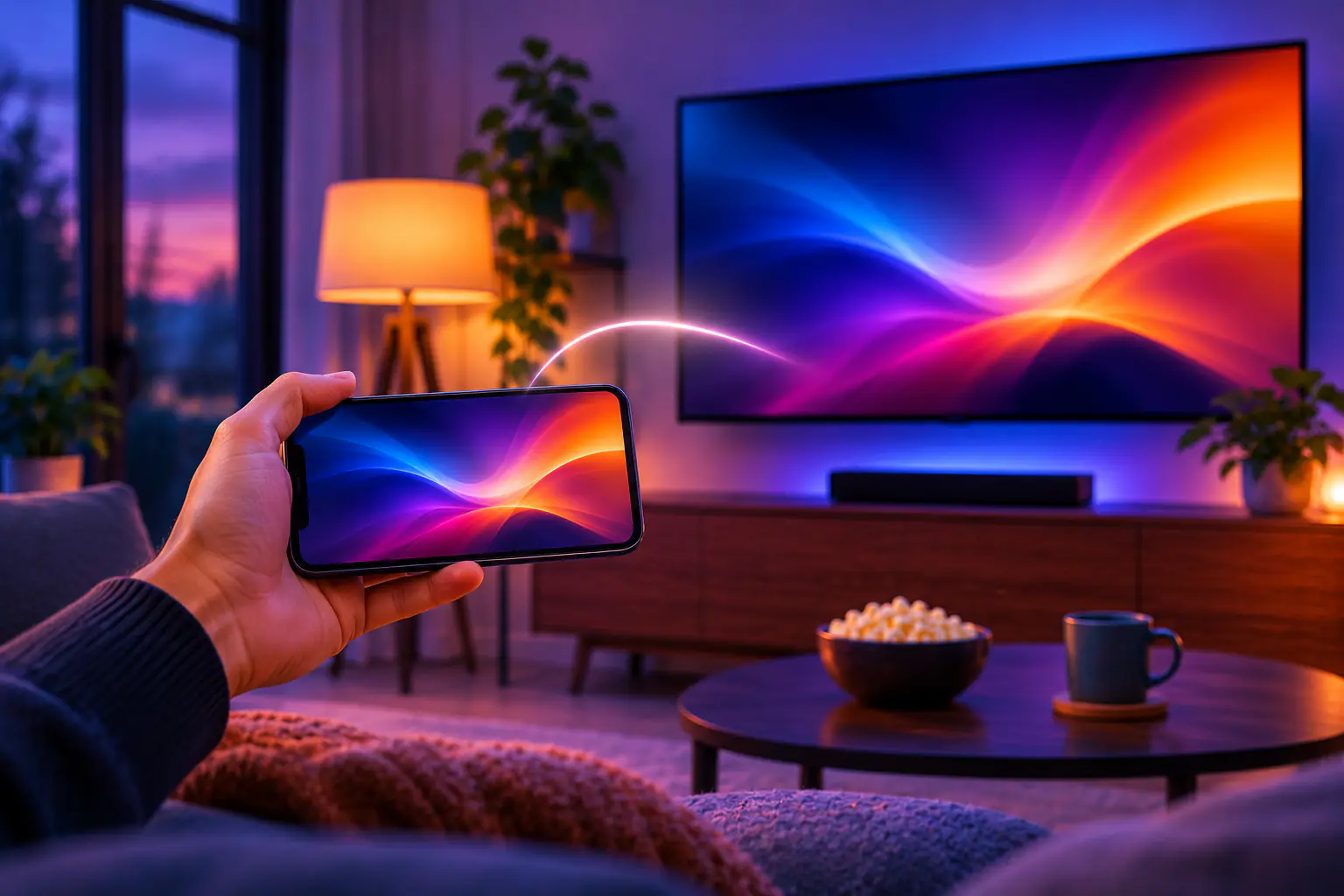
- iPhone, iPad or Mac: many Roku models support AirPlay. Play a channel in a player such as UHF or IPTVX, tap the AirPlay icon and choose your Roku.
- Android phone: use a player with a cast button, or a casting app, and choose your Roku.
- Windows PC: press Windows + K, choose the Roku, then play the stream in VLC or another player.
Casting relies on your Wi-Fi, so keep the phone and Roku on the same network and close to the router.
Option 3: Add a streaming stick
If you plan to watch live TV every day, the most comfortable setup is often a Fire TV Stick or Google TV device in a spare HDMI port. It gives you a full TV guide on the remote. Our Fire TV guide covers the rest.
Some websites suggest Roku "developer mode" to install unofficial packages. Developer mode is meant for app developers testing their own work, and installing packages from unknown sources is a security risk. We do not recommend it.
Questions
Is there a Kemo IPTV app on Roku?
We do not publish our own app. You watch through an independent player app or by casting. Our team can tell you what currently works on your Roku model.
Does casting count as an extra connection?
No. Casting sends the one stream playing on your phone to the TV, so it uses one connection.